Examples for Chapter 4
A range of bitmapped graphics exercises and sample files can be found under Exercise Files>Photoshop on the archived support site for Digital Media Tools. These include several of the examples illustrated in Chapter 4 of Digital Multimedia 3rd edition; direct links for these examples are provided below. We have only included files for download from this page if they are not available at the Digital Media Tools site.
In particular, source files for Figures 4.16 (p. 134), 4.17 (p. 135) and 4.19 (p. 137) can be found under "Making and using selections"; Figure 4.31 (p. 149) is under "Adjustments and retouching"
-
p. 105, Resolution
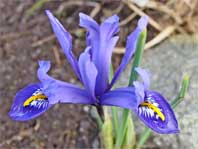 Here are the low- and high-resolution images illustrated in Figure 4.2.
-
p. 140, Adjusting levels with masking
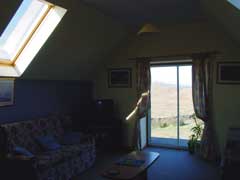 This is the original problematical photograph. Try to correct it as we did for Figure 4.23. (If you are using Photoshop CS3 or higher, you can try the Shadow/Highlight adjustment, but we couldn't do as good a job with it as with the masked levels adjustment described in the text.)